Harp Isles on Mobile & Console
Settings, controls, and performance tips for phones and gamepads — because the loop is the same, the grip is not.
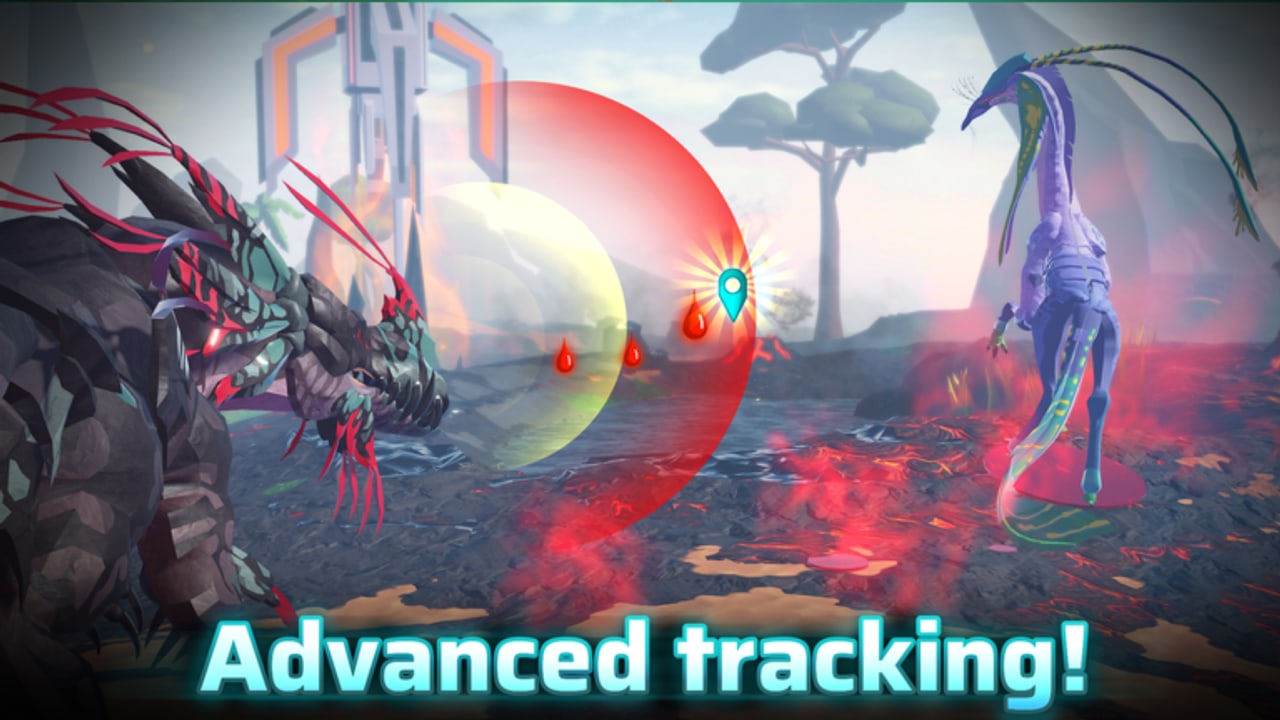
Harp Isles supports PC, mobile, and console. The game loop, Avatars, and systems are identical across platforms — but the input methods and performance realities differ. This guide covers settings, control layouts, performance optimization, and platform-specific advice so you can play well regardless of how you hold the device.
Platform support overview
The January 2026 FAQ confirmed PC, mobile, and console. The July 2026 early-access test included mobile near the end of the test window. Console support was confirmed in the same FAQ. All platforms share the same universe, so cross-play is active.
Mobile controls and layout
Default layout
Mobile uses a virtual joystick for movement and a cluster of action buttons for attacks, abilities, and flight controls. The layout is not fully customizable in the launch build — Roblox system rebinds are the primary adjustment path.
The challenge on mobile is mis-taps. The bite button and the jump button are close. Mis-tapping bite during a flight abort starts a fight you did not want. Practice in a quiet biome before you rely on muscle memory in a crowded area.
Flight on mobile
Takeoff on mobile is easy to mash into a stall. Hold the flight button through the first second of climb, then ease off. The high torque of some Avatars makes small inputs cause spinning. If your Avatar feels twitchy in the air, lower camera sensitivity in Roblox settings before you blame the game.
Camera on mobile
Drag to look around. The camera follows the creature by default. If you experience motion sickness, lower camera speed in Roblox settings. The recode improved smoothness; it cannot fix a sensitivity mismatch between your thumb and the screen.
Console controls and layout
Gamepad mapping
Console uses the standard Roblox gamepad mapping. Left stick moves, right stick looks. Face buttons handle attacks and abilities. The exact mapping may vary slightly by controller generation — check the in-game legend if a button does not behave as expected.
Dead zones
Stick dead zones affect turn radius feel. A high dead zone makes the Avatar feel sluggish; a low dead zone amplifies small inputs. If your gamepad is old or worn, recalibrate through the console system settings before you conclude the Avatar handles poorly.
Console performance
Console frame rates depend on the generation. Older hardware may drop frames during heavy scenes — disasters, crowded servers, or water with multiple creatures. Lower graphics quality in Roblox settings before you blame the game for console limitations.
Performance optimization
Mobile performance tips
- Lower graphics quality in Roblox settings — prioritize a stable frame rate over visual fidelity.
- Close background apps to free RAM.
- Connect to Wi-Fi rather than mobile data for lower latency.
- Avoid playing during major events if your device overheats easily — server density is highest during lore beats.
- If the device overheats during a disaster, lower graphics and file the overheat as feedback in Discord.
Console performance tips
- Choose Performance mode if your console supports it.
- Use a wired connection rather than Wi-Fi where possible.
- Close game capture software if you stream or record.
- Lower in-game graphics if frame drops occur during combat or disasters.
Platform-specific gameplay notes
Mobile advantages
- Portability — play during commutes or away from home.
- Touch accessibility — no controller learning curve for new Roblox players.
- Same account and progress as PC.
Mobile disadvantages
- Smaller screen makes distant creatures harder to spot.
- Touch controls are slower than keyboard for precision movement.
- Heat and battery life limit session length.
Console advantages
- Gamepad comfort for long sessions.
- TV screen provides better situational awareness than a phone.
- Same universe as PC and mobile.
Console disadvantages
- Loading times may be longer than PC.
- Controller rebinding is more limited than PC keyboard rebinding.
- Chat is harder to use — useful for pack coordination but slower than PC text chat.
Battery and overheating
Mobile devices heat up during extended gameplay, especially during disasters which stress both the GPU and network. If your device reaches unsafe temperatures, stop playing. Installing an FPS injector script to fix overheating is how accounts get compromised — lower graphics instead.
Cross-platform play
All platforms share the same universe. A PC player, a mobile player, and a console player can be in the same server. This means:
- You may encounter players with different platform advantages.
- Pack coordination requires awareness that not everyone can type quickly.
- Voice chat is the fastest cross-platform communication if your pack uses it.
Quick reference
| Issue | PC fix | Mobile fix | Console fix |
|---|---|---|---|
| Motion sickness | Lower camera speed | Lower sensitivity, reduce graphics | Lower sensitivity, Performance mode |
| Overheating | N/A | Lower graphics, close apps | Performance mode, wired connection |
| Mis-taps | N/A | Practice in quiet biome | Practice in quiet biome |
| Slow chat | N/A | Voice chat if available | Voice chat if available |
| Frame drops | Lower graphics | Lower graphics, Wi-Fi | Performance mode, wired connection |
Frequently Asked Questions
Quick answers to the most common Harp Isles questions.
Does mobile have the full game?
Yes. All systems — Avatars, growth, skill trees, crafting, disasters, packs — are available on mobile. UI scales for touch; loops do not change.
Can I play with friends on other platforms?
Yes. Cross-play is active across PC, mobile, and console.
Are there controller-specific advantages?
PC has input precision for combat. Mobile has portability. Console has comfort for long sessions. No platform has exclusive content.
My phone overheats. What do I do?
Lower graphics, close background apps, and play in a cooler environment. Do not install FPS injector scripts.